
KU9 deposit and withdrawal: payment steps for Bangladesh
This KU9 deposit and withdrawal guide explains how players in Bangladesh can use bKash, Nagad, Rocket or Upay to deposit, and how to request a withdrawal to a supported wallet or bank account. Before starting, make sure your account details are accurate, your withdrawal account is in your own name and you know your separate fund password. KU9 accepts requests at any time, but that does not guarantee a particular processing time.
KU9 deposit and withdrawal: quick facts
| Topic | What to know |
|---|---|
| Deposit methods | bKash, Nagad, Rocket and Upay |
| Withdrawal methods | bKash, Nagad, Rocket, Upay and bank account |
| Withdrawal fee | KU9 does not charge a withdrawal fee |
| Withdrawal account | Must be bound to the player and in the player's own name |
| Bonus turnover | Complete applicable turnover on active bonuses before withdrawing |
| Fund password | Separate from the login password |
| Request access | Requests are accepted 24 hours a day |
The payment options displayed in your account are the reference for the transaction. Do not rely on payment numbers or instructions from unofficial pages or messages. KU9 changes official domains and mirrors over time, so access it using links from official KU9 channels or the official app. The official site is geo-restricted and may show an “Access Denied” page outside Bangladesh. Read the official access guide if you need help identifying official access routes.
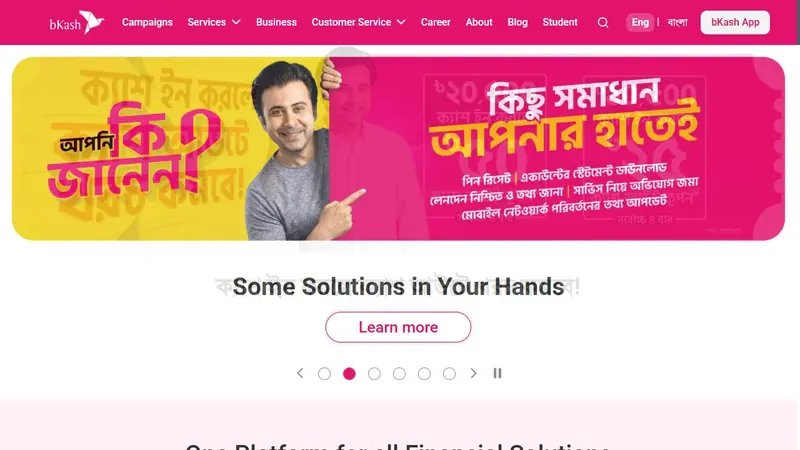
How to make a KU9 deposit
Deposit instructions can vary by the selected payment channel. Follow the details currently shown inside your KU9 account, and check each field before confirming a payment.
Step-by-step deposit
- Sign in to your KU9 account using your username and login password. If you have not registered, use the registration guide and enter your real details.
- Open the deposit section in the account and select an available method: bKash, Nagad, Rocket or Upay.
- Read the on-screen payment instructions carefully. Use only the recipient and reference details provided for that transaction in the official account interface.
- Complete the payment in the selected wallet or payment service, following its prompts. Enter any requested transaction information accurately when returning to KU9.
- Review the details and submit the deposit request. Keep the transaction reference and confirmation available until the deposit appears in your account.
Do not send a payment to a number copied from an old screenshot, social post or an unofficial site. If the payment screen is unclear, pause and contact KU9 support through the site or app before making a transfer. Do not share your login or fund password with another person or in a public chat.
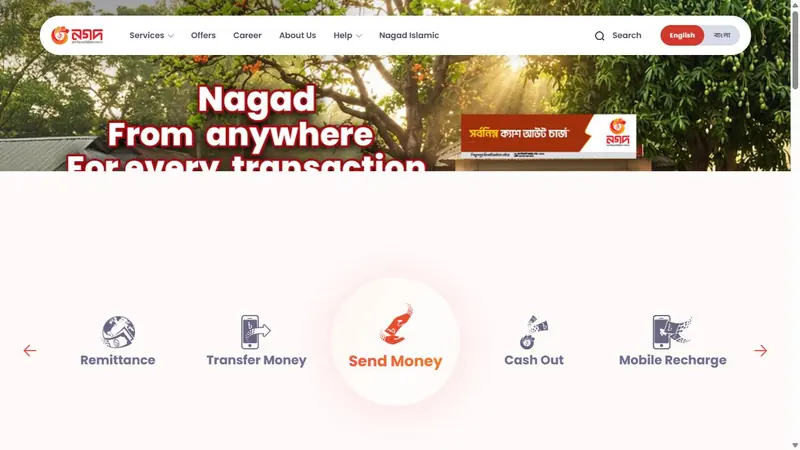
How to request a KU9 withdrawal
KU9 supports withdrawals to bKash, Nagad, Rocket, Upay and bank accounts. A withdrawal account must be bound to your KU9 profile and registered in your own name. The name on that account must match the real name on your KU9 account. Avoid changing the wallet before your first withdrawal; bind the intended account correctly before requesting payment.
Step-by-step withdrawal
- Sign in and check that your real name and profile details are correct.
- Open the withdrawal or account-binding section and choose the wallet or bank option available to you.
- Enter the account details carefully and bind an account in your own name. Check the account holder name against your KU9 profile before saving.
- Confirm that any turnover conditions attached to active bonuses have been completed. Promotion terms can differ, so review them before requesting a withdrawal.
- Submit the withdrawal request using your fund password, if prompted. Keep the request information until the payment is completed or support confirms its status.
KU9 does not charge a withdrawal fee. Requests are accepted 24 hours a day, but no processing-time estimate is stated here. Do not create another account or bind someone else’s payment details to try to work around a mismatch. KU9 permits one account per person; multiple accounts sharing a name, phone, bank or wallet account, or IP address can result in bonuses and winnings being confiscated.
Fund password, account binding and bonus turnover
Your login password protects access to the account. The fund password is a separate security credential used for withdrawals. Keep the two distinct and private. If you forget a password, account recovery is available through the registered mobile number or 24/7 live chat, where support may verify details such as your username, mobile number and recent deposit or withdrawal information. Do not send passwords to support.
Binding an account is more than entering a wallet number: the withdrawal account holder name must match your verified real name. Many bonuses also require a real name and a bound withdrawal account. When a bonus is active, its own turnover rules apply before withdrawal. Promotions may exclude certain games, so read the current conditions in the bonus terms and the KU9 terms guide before claiming or using an offer. Do not assume that a deposit or a particular type of bet automatically satisfies a promotion’s requirement.
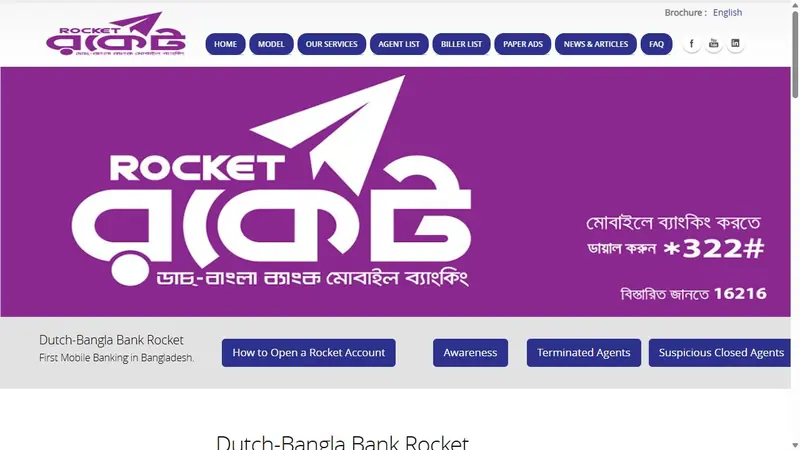
Fixing a failed or delayed deposit
A payment may not appear immediately, or a request may fail if details were entered incorrectly. Check the transaction status in the payment service and KU9 account first. Avoid repeating the payment while the original transaction is unresolved, as this can make it harder to identify which transaction needs attention.
- Confirm that you selected the same payment method used to make the transaction.
- Compare the submitted details with the instructions displayed in your KU9 account at the time of payment.
- Check whether the payment service shows the transaction as completed, pending or failed.
- Keep the transaction reference and any confirmation details. Do not alter or fabricate a receipt.
- Contact 24/7 live chat through the KU9 site or app if the account balance does not reflect a completed payment. Provide the requested transaction and account details through the official support channel.
If a withdrawal request fails, check that the bound account is active, belongs to you and uses the same real name as your KU9 profile. Also check for incomplete bonus turnover and confirm that you entered the correct fund password. If the account remains locked after repeated incorrect password attempts, use the account recovery route rather than continuing to guess. For login errors, check the keyboard layout, Caps Lock and unintended spaces; see the login help page.
 New Members First Deposit BonusA welcome reward for your first KU9 top-upClaim bonus
Safety checks before paying or withdrawing
Use a personal device where possible and sign out when you finish on a shared device. Confirm that you are using an official KU9 channel: lookalike sites use the KU9 name but are not the operator. Do not download payment instructions, apps or modified files from third-party sources. If anything about a payment request looks different from the official account interface, stop and verify it with live chat.
Only adults aged 18 or over should use KU9. Keep account access and payment credentials private, and do not open multiple accounts. Deposits and withdrawals involve financial risk; set personal limits and take a break if gambling stops being manageable. The responsible gambling guide offers further practical guidance. For account-specific payment issues, use 24/7 live chat on the official site or app.
Frequently asked questions
Which methods can I use for a KU9 deposit?
KU9 lists bKash, Nagad, Rocket and Upay as deposit methods. Check the payment options and instructions shown in your account before making a payment.
Can I withdraw from KU9 to a bank account?
Yes. KU9 supports withdrawals to a bank account as well as bKash, Nagad, Rocket and Upay. The withdrawal account must be bound to your profile and in your own name.
Why does KU9 require a fund password for withdrawal?
The fund password is separate from your login password and is an additional credential for withdrawals. Keep it private, and use the registered mobile number or 24/7 live chat for recovery if needed.
Why has my KU9 deposit not appeared?
Check the transaction status and compare the submitted payment details with the instructions shown in your KU9 account. Keep the transaction reference, avoid repeating an unresolved payment and contact official live chat if the payment is marked complete but is not reflected.
Does KU9 charge a withdrawal fee, and can I withdraw with an active bonus?
KU9 does not charge a withdrawal fee. Before requesting a withdrawal, complete applicable turnover conditions on active bonuses and check the relevant promotion terms.